Moving from Fresha to Mintbook, step by step.
Switching to Mintbook moves your bookings from a Fresha listing to your own branded booking site. Your client list comes with you. Saved cards do not, so each client adds one the first time they rebook. Most of the wait is Stripe checking your business, which we plan at one to two weeks.
What comes across, and what does not
Four of the things a salon, clinic or barbershop runs on move cleanly. Saved cards are the exception, and it is better to know that now than to find out on your first no-show.
Client list
- Moves across
- Yes
- How it works
- Names, emails and phone numbers, imported from your Fresha CSV export.
Service menu
- Moves across
- Yes
- How it works
- We set up every service with its duration and price, matched to how you work.
Team and opening hours
- Moves across
- Yes
- How it works
- Staff, who does what, your weekly hours and known closures.
Saved cards
- Moves across
- No
- How it works
- They stay with Fresha. Clients add a card when they next book, with nothing charged.
Client notes
- Moves across
- No
- How it works
- The import brings contact details only. Keep your export for your records.
Marketing consent
- Moves across
- Not assumed
- How it works
- Imported clients are set to no marketing until you confirm you already hold their opt-in.
How the move works
- We build your demo. A working booking site in your name, free, before you pay anything.
- You say yes. We set up your menu, team and hours so the site matches your diary.
- Stripe checks your business. Payments go to your own Stripe account, so Stripe runs its standard checks. We plan one to two weeks.
- Your clients come across. We import your client list, so everyone who booked before can book again.
- You go live. You swap your booking links over. The first booking on your own site is the moment you have moved.
You carry on trading on Fresha while this happens. Nothing changes for your clients until you swap the links.
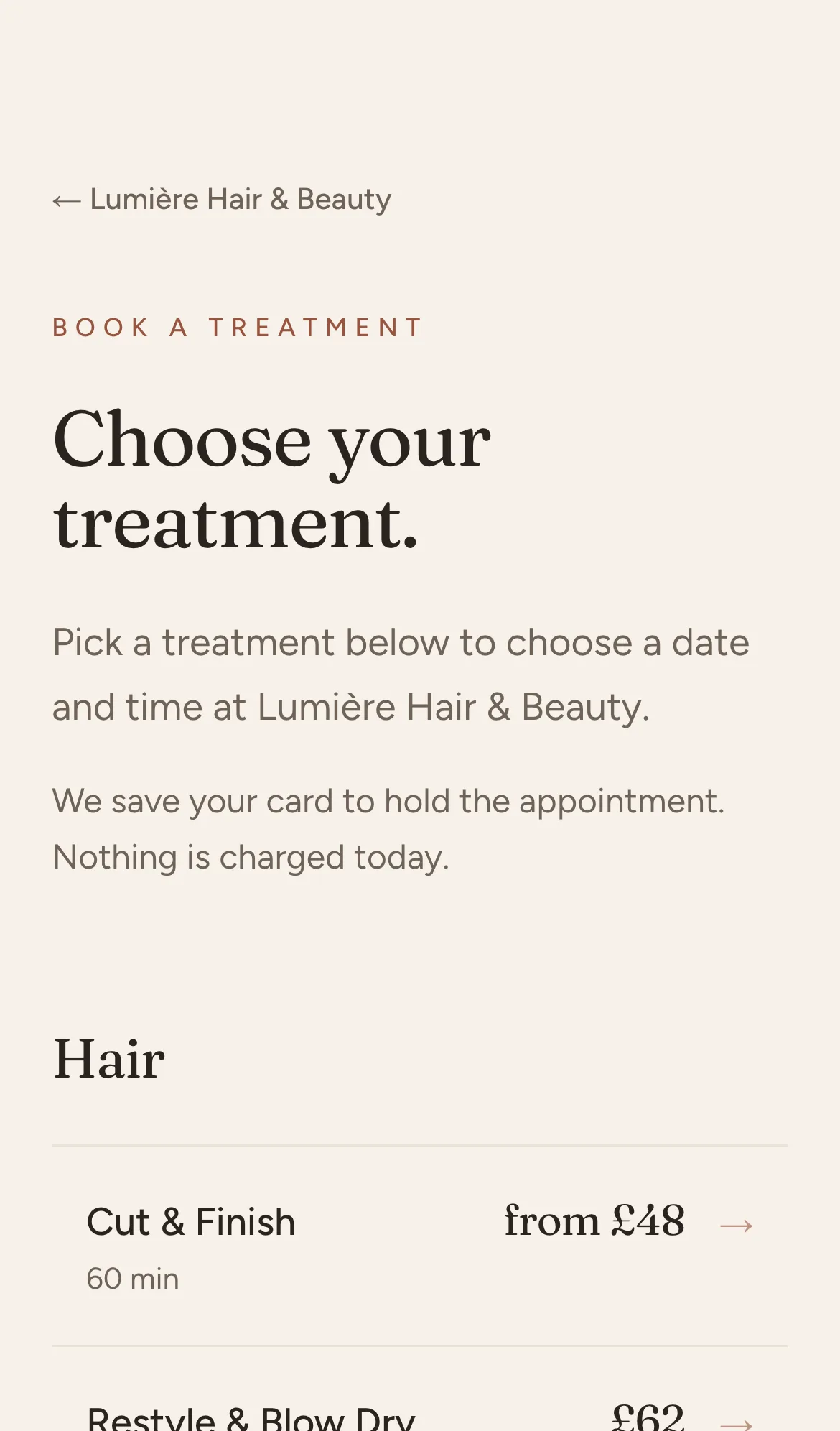
The card question, answered honestly
On Fresha, a client’s saved card is held inside Fresha’s payment setup. It is not part of the client export, so no booking platform can pick it up for you. On day one, you can see and contact every client, but you cannot charge a no-show fee to someone who has not booked on your new site yet.
The gap closes by itself. The first time each client books on your Mintbook site, they save a card with nothing charged. Your regulars are usually set up again within one booking cycle, and you never have to chase anyone for card details.
No commission. One flat monthly fee.
One monthly fee covers your site, hosting and support. No commission on any booking, so you keep what you earn.
- Branded booking site and owner dashboard
- Automatic reminders
- Card on file and no-show protection
- Hosting, support and updates
- Everything in Solo
- Staff calendars and team booking
- Packages and memberships
- Reviews, rebooking and recurring slots
- Everything in Team
- SEO, AEO and GEO work to get you found
- Quarterly optimisation
- Priority support
All prices include VAT. No setup fee, no commission, leave any time.
See your own site before you decide
We build your demo first, by hand, using your menu and your branding. If it is not right for you, you have lost nothing.
Questions answered
Will I lose my clients if I move from Fresha to Mintbook?
No. You export your client list from Fresha as a CSV and we import every name, email address and phone number into your Mintbook account, so everyone who booked with you before can book with you again on your own site.
Do saved cards transfer from Fresha to Mintbook?
No. Saved cards stay with Fresha and are not part of a client export. Each client adds a card the first time they book on your Mintbook site, with nothing charged, so no-show protection builds back up as your regulars return.
How long does switching to Mintbook take?
You see your demo site before you commit. Once you say yes, most of the time goes on Stripe’s standard checks on your business before card payments switch on, which we plan at one to two weeks.
Can I keep using Fresha while my Mintbook site is set up?
Yes. Nothing about the setup touches your Fresha account, so you keep taking bookings as normal. When your Mintbook site is live, you change your booking links and move clients across on your own timetable.
Where to next
- How to leave FreshaA step-by-step checklist: exports, notice, booking links and telling clients.
- Fresha fee calculatorWork out what Fresha costs you each month from its published UK rates.
- Mintbook vs FreshaPrice, the 20% new-client fee, websites and client data, compared honestly.
- Fresha alternativeThe three kinds of Fresha alternative, and which one fits why you are leaving.
Let’s build yours.
Tell us about your studio and watch your demo take shape. We build the real thing by hand, free, no obligation.
One flat monthly fee, no commission. We quote it for your studio.
 Your StudioSalon
This is the idea. Your real demo is built by hand, free.